v0 by Vercel is a platform for building web sites, tools, apps, and projects via chat. You can add Resend in a v0 project by asking the chat to add email sending with Resend. The v0 Resend integration automatically sets up a new Resend account, adds a Resend API key to your v0 project’s environment variables, configures DNS for Resend, and manages billing through v0.

Prerequisites

Before you begin, you’ll need two things:
  1. A Vercel v0 account with a project.
  2. A domain purchased through Vercel.

Guide

1

Ask v0 to add the Resend integration

You can ask v0 something like:
2

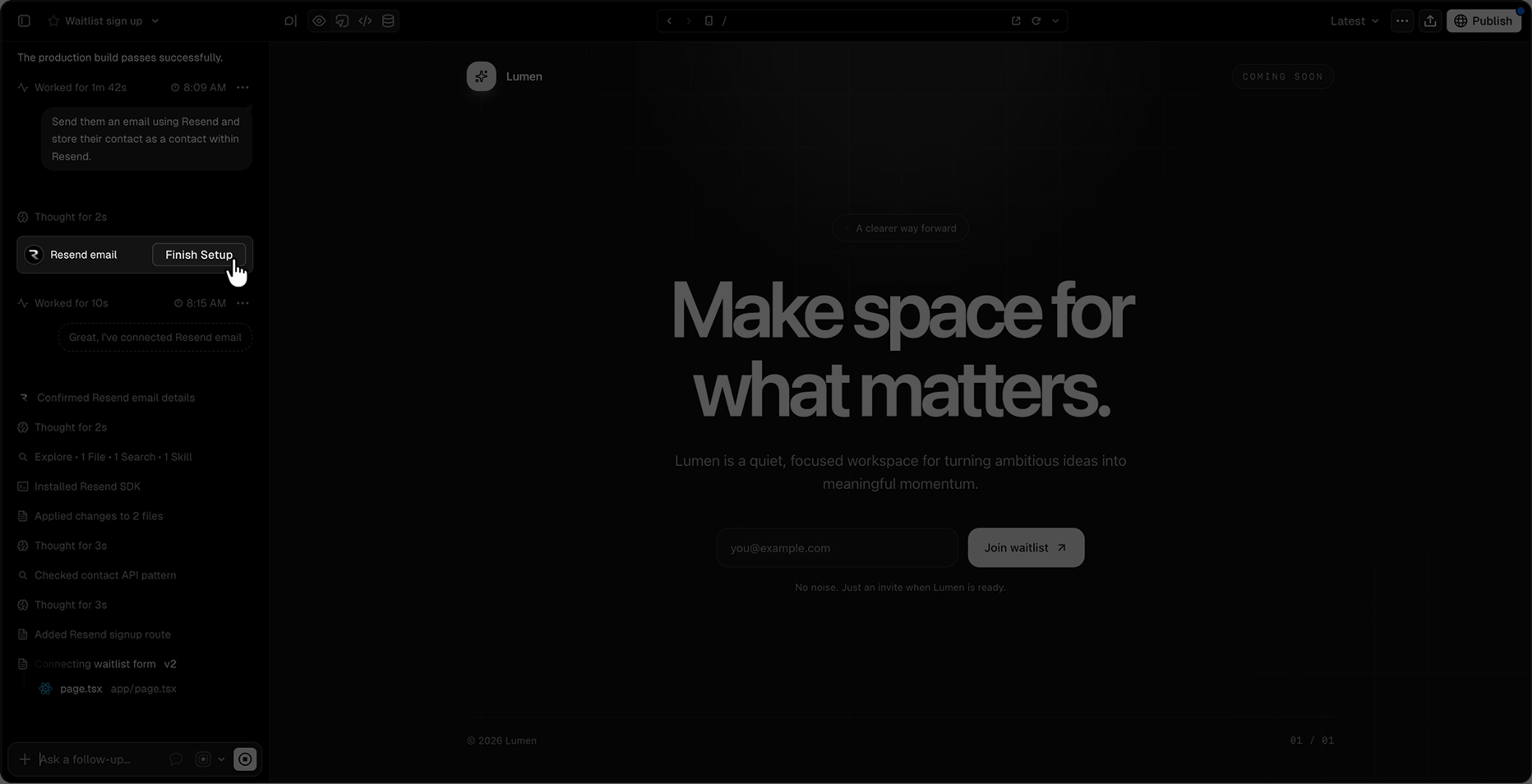
Install the integration

Click Install to add the Resend integration to your v0 project. This will take you to the integration page, where you can follow the instructions to add email to your project.Install button called out in v0 chatThe integration will automatically set up a new Resend account, add the necessary environment variables to your v0 project, and verify your domain in Resend.
3

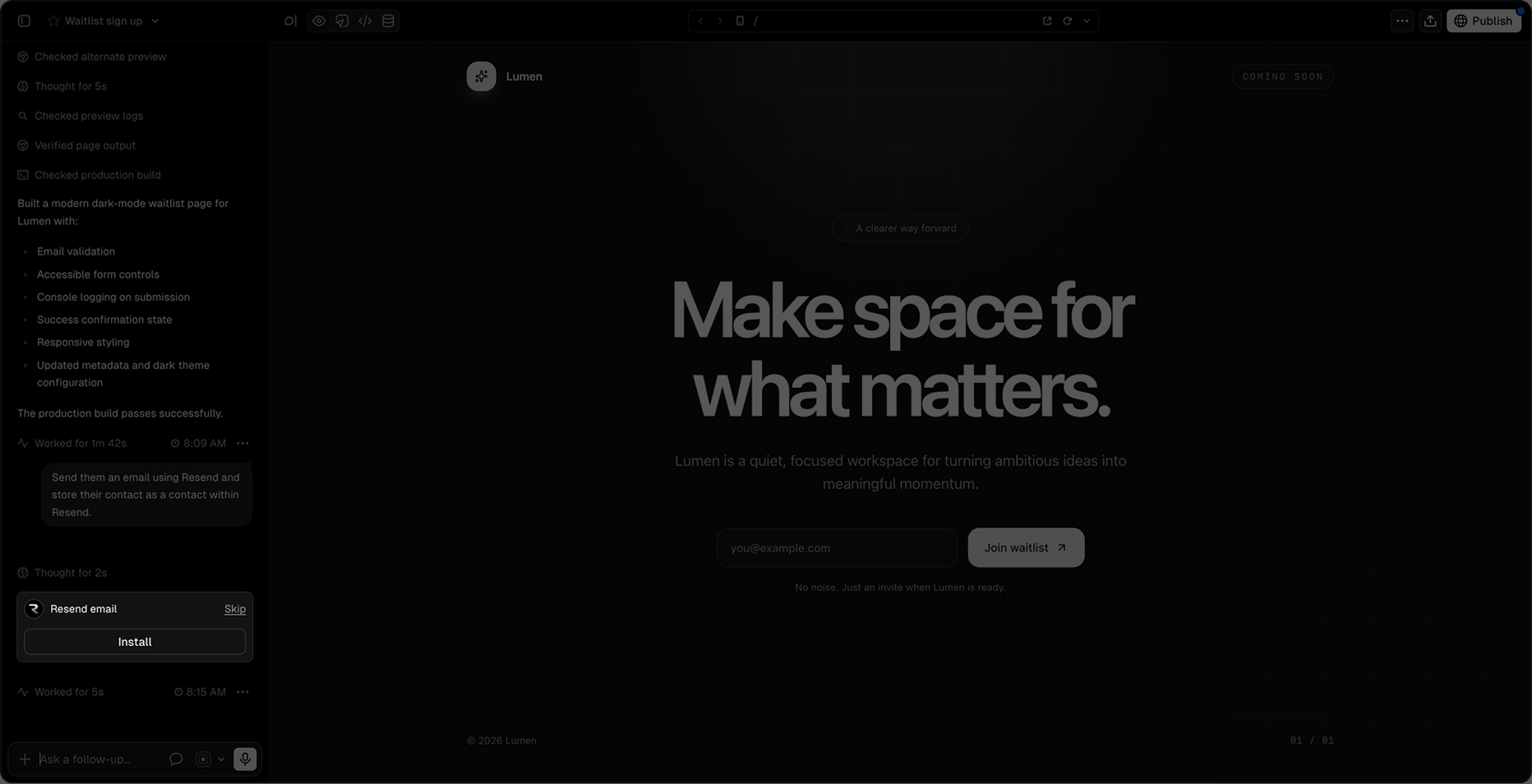
Finish setup

Once the integration is installed, click Finish Setup to complete the setup.Finish setup button called out in v0 chatYou’ll be taken to the Resend dashboard, where you can confirm the domain has been verified.Once you’ve confirmed your domain is verified, return to the v0 chat and tell the chat the domain is verified and which email it should use to send emails on your behalf.